
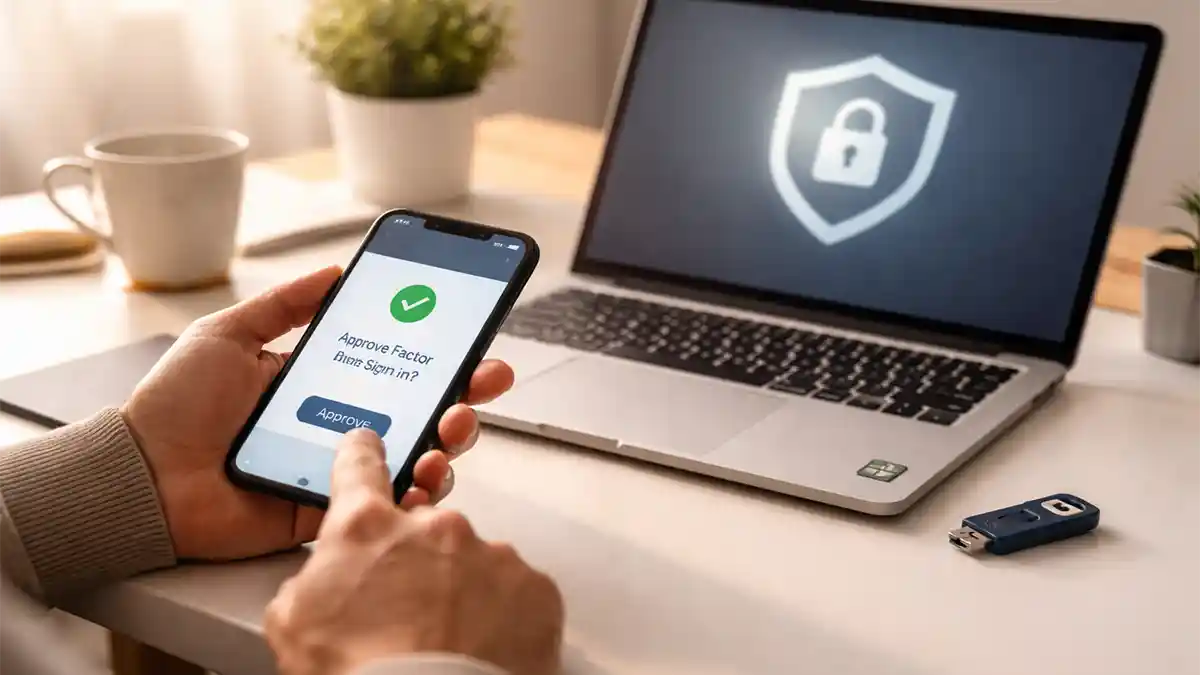
Phones in 2026 are packed with sensors and background services, so “security” isn’t only about malware anymore. It’s also about preventing quiet overreach: apps that keep location on when they don’t need it, ad tracking that stitches your behavior together across services, and permissions that made sense once but now create ongoing exposure. Camera and microphone access deserve special attention because the risk isn’t just data—it’s trust. The moment you suspect an app is using your mic when it shouldn’t, you lose confidence in the device. The good news is that both iPhone and Android give you more visibility now: you can see which apps requested sensitive access, you can limit permissions to “only while using,” and you can rely on system indicators that tell you when the camera or mic is active. The 2026 lifehack is to turn this into a routine you can do quickly: tighten permissions without breaking essential features, reduce tracking at the system level, enable alerts and logs so you can spot suspicious access, and run a monthly audit that takes minutes instead of hours.
Permissions that don’t break apps: “only while using,” approximate location, and the two-permission rule
Most people either grant everything or deny everything, and both extremes cause problems. The safe middle is granular control. For location, the best default is “only while using the app,” not “always.” “Always” makes sense for a small set of apps like navigation, ride hailing, and maybe a trusted smart home controller, but it’s unnecessary for most social, shopping, or casual apps. If your phone supports approximate location, use it for apps that only need regional context, like weather or simple content suggestions. For photos and files, avoid blanket “full library” access unless you truly want an app to scan everything; choose “selected photos” or “limited access” whenever the platform offers it. For camera and microphone, the lifehack is to apply a two-permission rule: an app should have camera or mic only if you can name the feature you use that needs it. If you can’t name it, remove the permission and see if anything breaks. If something breaks, the app will usually request access again the next time you trigger that feature, and you can allow it in context rather than leaving it open forever. Bluetooth, nearby devices, and local network access are also worth controlling in 2026 because they can reveal your environment. If an app doesn’t need to discover devices or talk to your home network, deny that access. Tight permission defaults reduce risk quietly because even if an app misbehaves, it can’t access what it never received.
Tracking controls: cut cross-app profiling without turning your phone into a brick
Tracking is often less visible than permissions because it happens in the background through identifiers, ad networks, and shared analytics. The lifehack is to use system-level controls that reduce tracking for every app at once. On iPhone, you can limit ad tracking and control whether apps can request tracking permission. On Android, you can reset or limit advertising identifiers and reduce personalization signals. These settings don’t stop all data collection, but they do reduce the easy, standardized way apps link your behavior across unrelated services. Another practical move is cleaning up app accounts and sign-in choices. If you sign into everything with the same account, you create a single identity that’s easy to correlate. Using “sign in with” options can help with password hygiene, but you still want to be intentional about what you connect. Also review app settings for “personalized ads,” “data sharing,” and “analytics” toggles. Many apps bury these, but even one or two minutes per high-usage app can meaningfully reduce data flow. The key is not chasing perfection. Your goal is lowering unnecessary tracking while keeping core functionality. Most apps still work fine with tracking limited because the tracking is for advertising and profiling, not for the feature you’re actually using. If you want the biggest privacy win for the least effort, prioritize tightening tracking in your browser and social apps first, because those categories tend to generate the most behavioral data.
Camera and mic alerts: rely on indicators, use toggles, and check permission history
Camera and mic access should never be a mystery. In 2026, both major phone platforms show on-screen indicators when the microphone or camera is active. The lifehack is to trust those indicators and react consistently. If you see a mic indicator while you’re not actively using a voice feature, open the app switcher and close suspicious apps, then check which app had recent access. Many systems also provide privacy dashboards or logs that show recent camera and mic usage by app. Use that history like a receipt: if an app used the mic at a time you weren’t using it, that’s a reason to revoke mic access or uninstall the app. Another high-impact move is enabling quick toggles. Both platforms allow you to disable the mic (and sometimes camera) at the system level via quick settings or privacy controls. That’s useful in meetings, in sensitive environments, or whenever you want certainty. You can temporarily cut access without hunting through menus. Also be mindful of apps with “always listening” features, like voice assistants or certain recorder utilities. If you don’t use hotword activation, turn it off so the mic isn’t waiting in the background. The goal is a setup where you can answer two questions quickly: “Is the mic/camera on right now?” and “Which app used it recently?” When those answers are clear, you’re far less likely to miss suspicious behavior.
The monthly audit in minutes: what to check, what to remove, and how to stay consistent
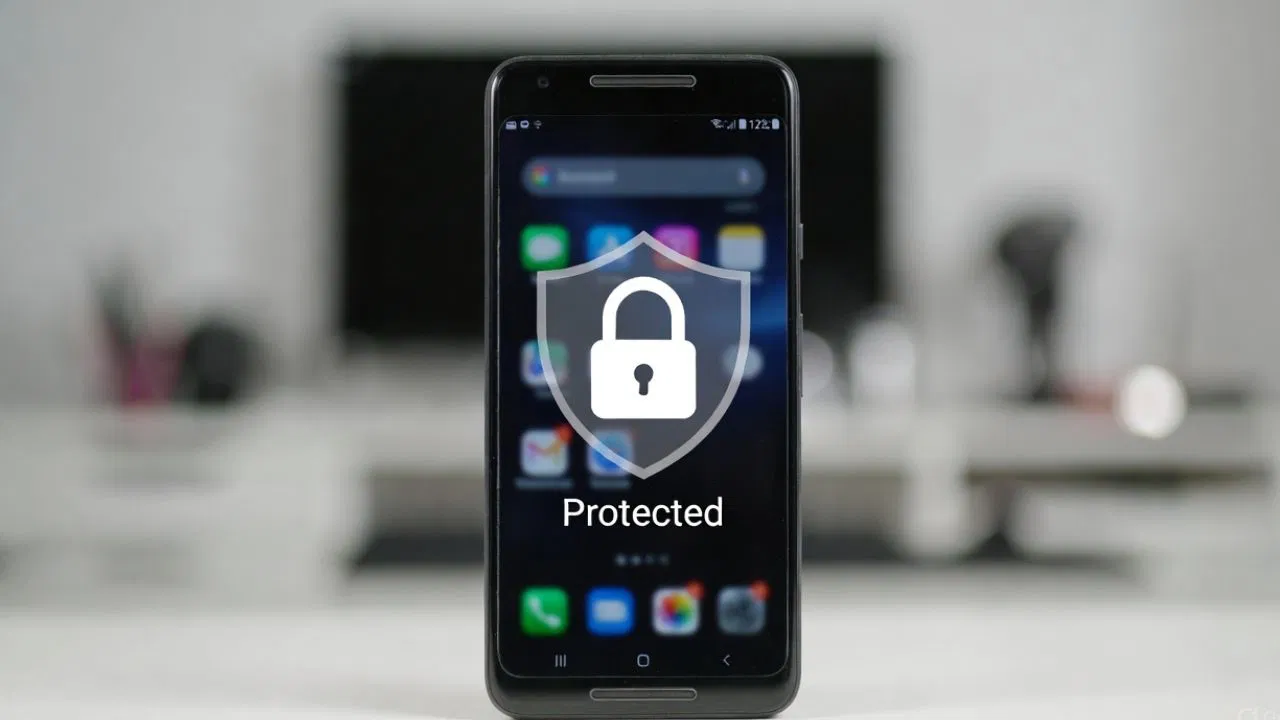
Security hygiene works only if it’s repeatable. The best lifehack is a monthly audit that takes five to ten minutes, not a once-a-year deep dive. Start with permissions: sort apps by most sensitive permissions—location, camera, mic, photos/files, nearby devices—and remove any access that doesn’t match how you use the app today. Then check your privacy dashboard for recent camera and mic access and scan for anything unexpected. After that, review tracking settings at the OS level and make sure nothing reset after an update. Finally, clean your app list: uninstall apps you haven’t used in months, because unused apps are pure risk with zero benefit. If you’re worried about losing settings, remember you can reinstall later. A small app list is one of the strongest security moves because it reduces your attack surface and cuts down on background activity. To make this routine stick, tie it to a regular moment—first weekend of the month, payday, or the day you update your phone. The point isn’t to become obsessive. The point is to keep your phone in a “known state,” where permissions are minimal, tracking is reduced, and camera/mic access is visible and explainable. That’s what “in check” really means: you’re not guessing, you’re managing.